

Connect to and optimizes Distributed Energy Resources (DER), enabling you to deliver energy propositions that save cost and carbon for you and your customers.
Introduction
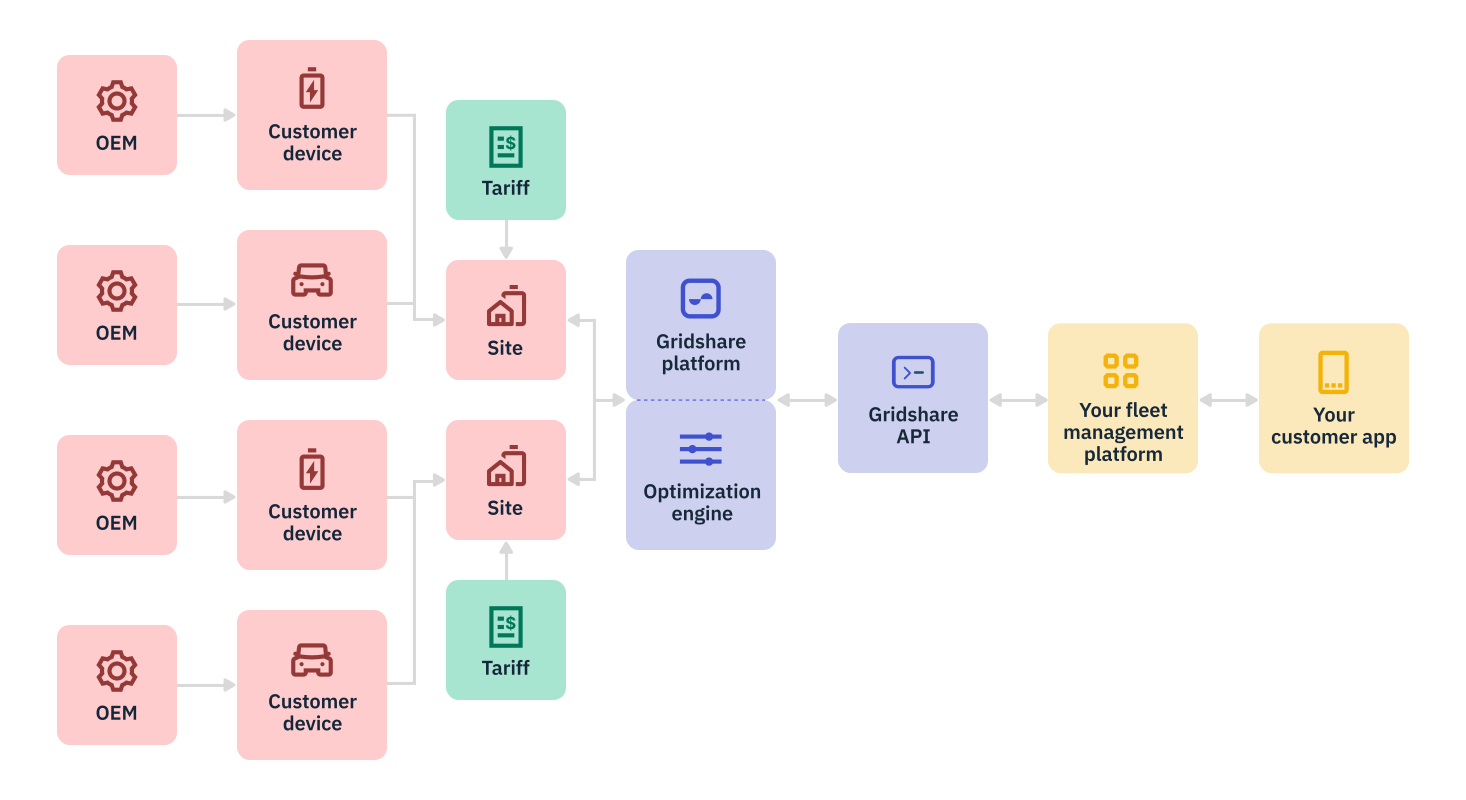
Gridshare optimizes multiple DERs based on each home's unique energy needs and patterns. With Gridshare's API, automate site-level optimization by setting devices to Gridshare's Smart Mode.
In Smart Mode, devices will follow a personalized plan produced every day for each site. This plan predicts how much energy a customer will consume and produce daily and optimizes against the customer's energy tariff or another selected price curve, such as a retailer's wholesale energy cost.
Prerequisites for Smart Mode
To enable Smart Mode, the site must have:
- A tariff
- A geographical location (latitude, longitude)
Gridshare requires at least three days of telemetry data to generate a useful forecast of a site’s energy patterns. The forecast will continue to be refined as data is collected. We recommend waiting until a site has three days of data before activating this mode — although the mode will be available immediately.
Gridshare requires a 0.125 degree of accuracy for the longitude and latitude of each site. This is necessary for retrieving weather forecasts that are used to generate daily energy production predictions. In some cases, less accurate latitude/longitude may be appropriate to protect customer privacy.
Assign a tariff to a site
To create a tariff for a site, use the Create Periodical Tariff or the Create Dynamic Tariff endpoint.
The Create Periodical Tariff endpoint is a POST request to enter a customer tariff that changes periodically.
The Create Dynamic Tariff endpoint is a POST request to enter a tariff that is expressed as a time series and updated at any frequency. This endpoint can be used by energy retailers and utilities to optimize fleets against, for instance, wholesale energy costs. By assigning one tariff to a group of sites, and setting devices into Smart Mode (see below), you can automatically manage your customer load curve to reduce (in this example) your wholesale energy costs.
Set a device to Smart Mode
Set a device to Smart Mode by using the Change Operation Mode endpoint. This is a PUT request that takes Gridshare operation modes as input.